FROM THE APPA ARCHIVE
How Apple Made Us Cry
Original Appa article. Archived wording retained for editorial review.
Publishing an app on the App Store sounds straightforward—create an Apple Developer account, enroll, upload your app, test it, and publish. In reality, the journey often involves unexpected delays, technical roadblocks, and multiple rounds of reviews that can significantly impact project timelines.
Over the past few months, we encountered several challenges while enrolling in the Apple Developer Program and releasing apps for our clients. This blog highlights some of the most common issues we faced, along with the lessons we learned.

1. Apple Developer Account Ownership Cannot Be Changed
During the enrollment process, we learned that enrolling as a company requires additional company documentation and that the applicant must be a director or an authorized legal representative of the organization who can accept legal agreements on the company's behalf.
Since the Apple ID initially used for enrollment did not belong to an eligible representative, we contacted Apple Developer Support to request a correction. However, Apple responded:
“To safeguard the privacy and security of your account, we cannot process the name change you requested. Apple Accounts should not be shared or transferred. The correct applicant must create a separate Apple Account and enroll again.”
Learnings
Apple
- They should provide an option to switch accounts, since it leads to a greater turnaround time for us to start the process again.
Developers
- Please create a company before enrolling in the Apple Developer Program.
- For organization accounts, the applicant should be a director or an authorized legal representative who can provide the required company documentation and accept legal agreements on behalf of the company.
- Do not assume the applicant details can be changed later, as Apple does not allow transferring or changing account ownership during enrollment.
- Verify all enrollment details and eligibility requirements before starting the application process.

2. Enrollment Verification Took Weeks
Another recurring challenge was the long waiting period during enrollment verification.
Despite submitting all the required documents, the enrollment remained under review for over 20 days.
A support request looked something like this:
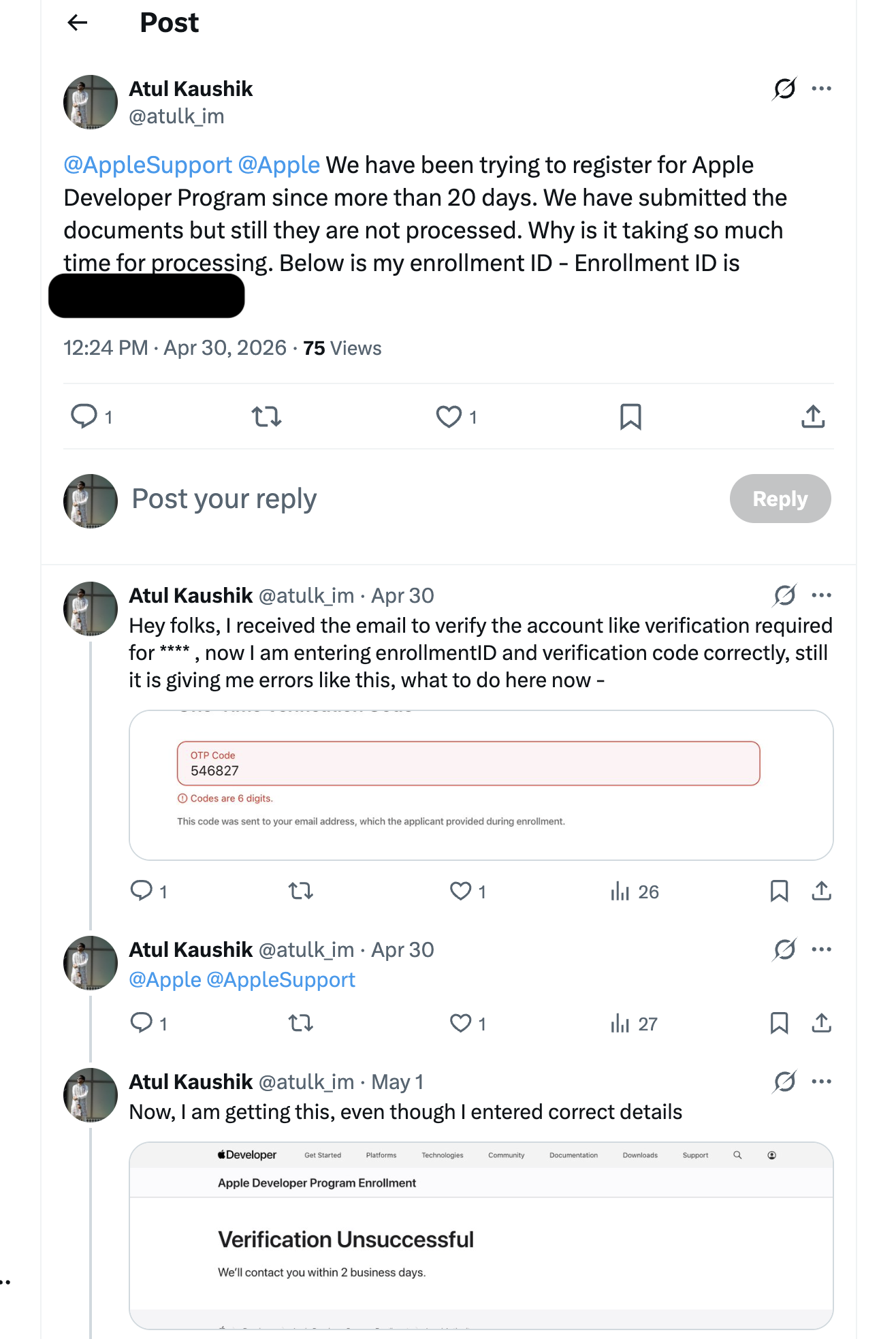
“We have been trying to register for the Apple Developer Program for more than 20 days. We have submitted the documents, but they are still not processed.”
Impact
- Development was in progress, with testing to be done.
- App publishing was blocked.
- Couldn't roll out the app for Apple users, which was more than 70% for our user base.
Learnings
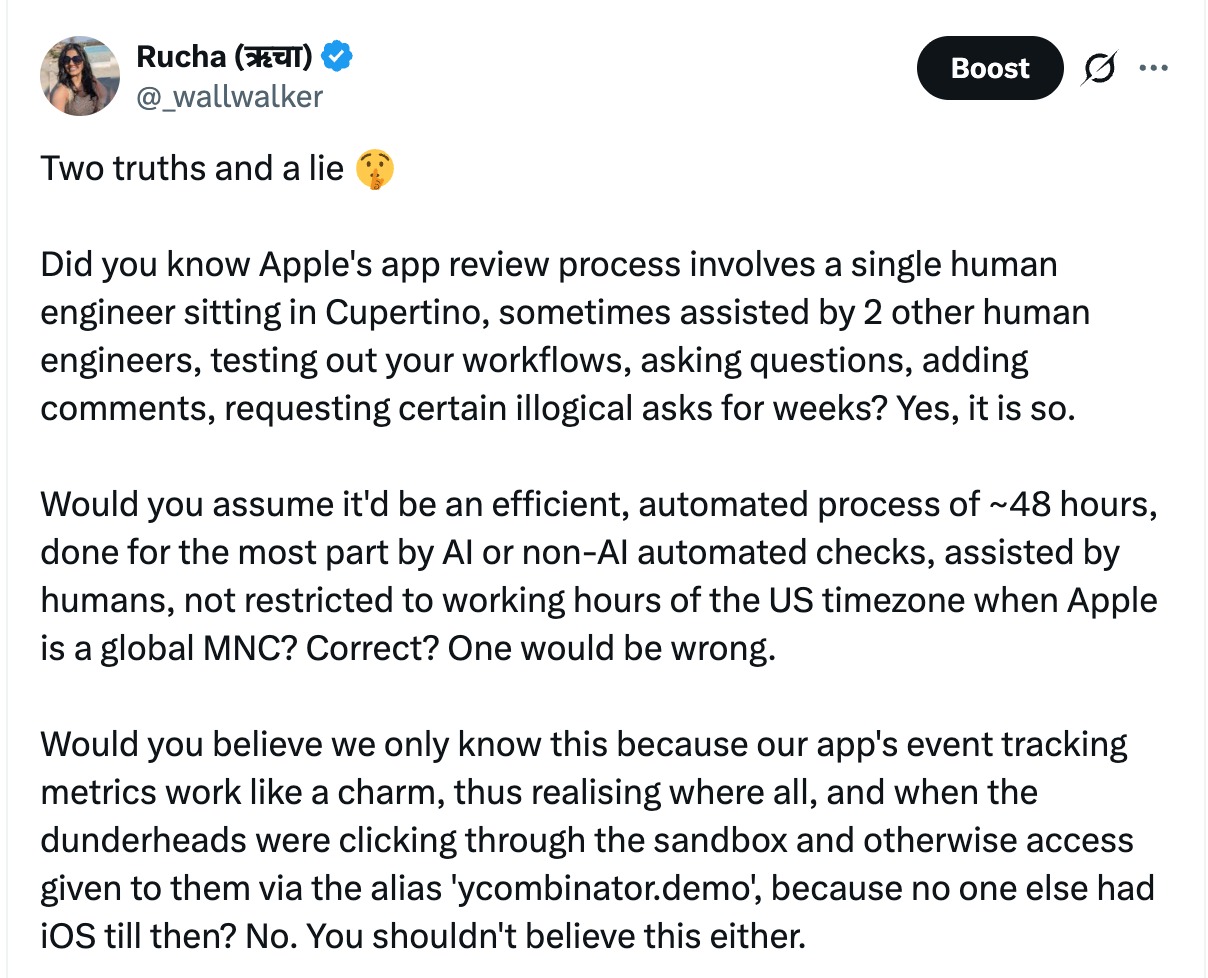
- Apple: Apple needs to verify their turnaround times for verification and other processes. They say it takes 2 days, but in reality sometimes it takes 10-20 days, with us tagging them on X.
- Developer: Apple's verification timeline isn't always predictable. Organizations should begin the enrollment process as early as possible—ideally before development starts.
3. Verification Errors Despite Correct Information
One of the most frustrating issues occurred during identity verification.
The verification portal accepted the Enrollment ID and OTP but continued showing errors. Eventually, the process resulted in:
Verification Unsuccessful
“We'll contact you within 2 business days.”
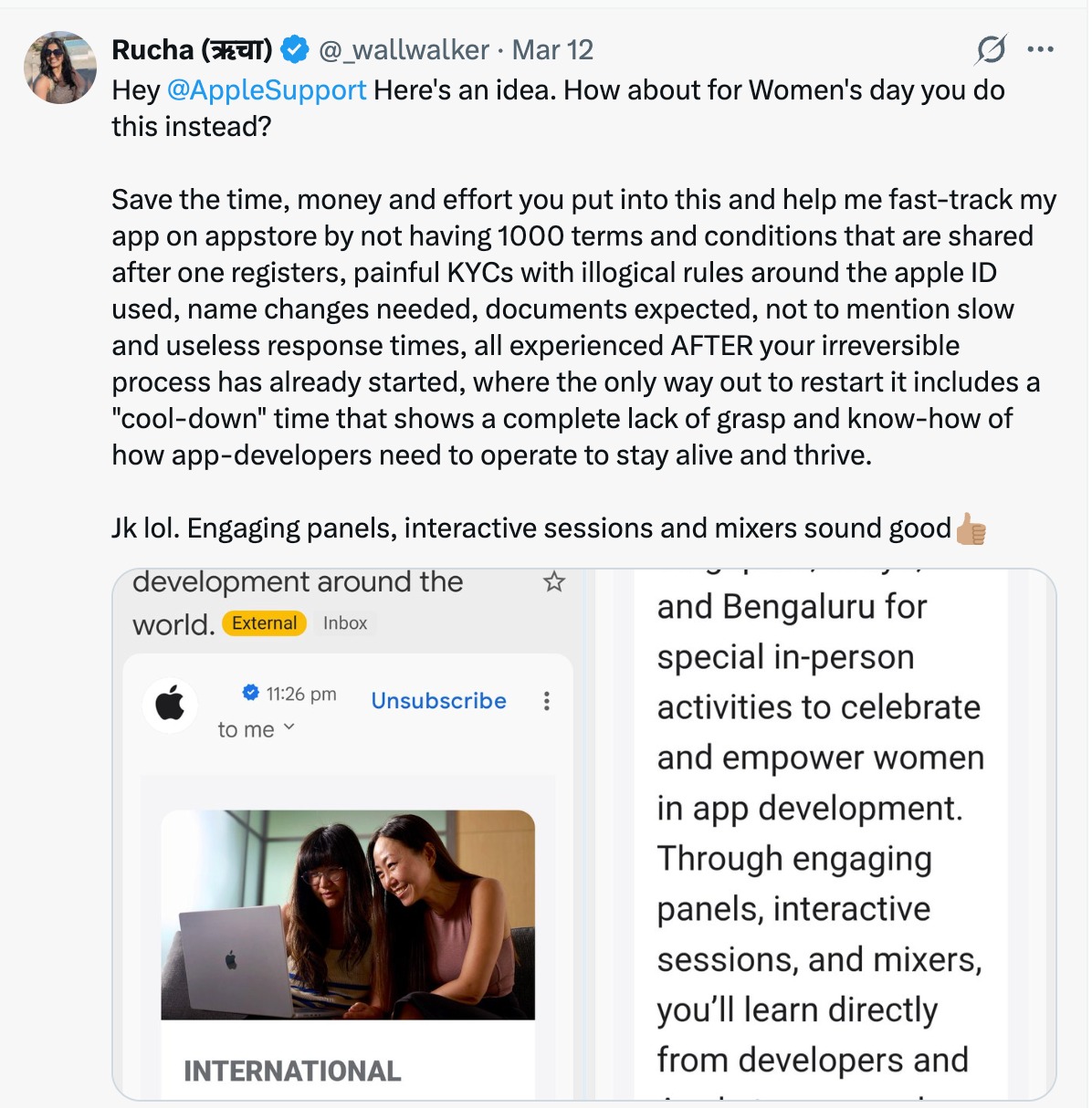
Even though the information entered was correct, the verification still failed. They had a buggy verification screen that caused a lot of delays and to and fros on X. Even though Apple says they will contact us in two business days, they don't.
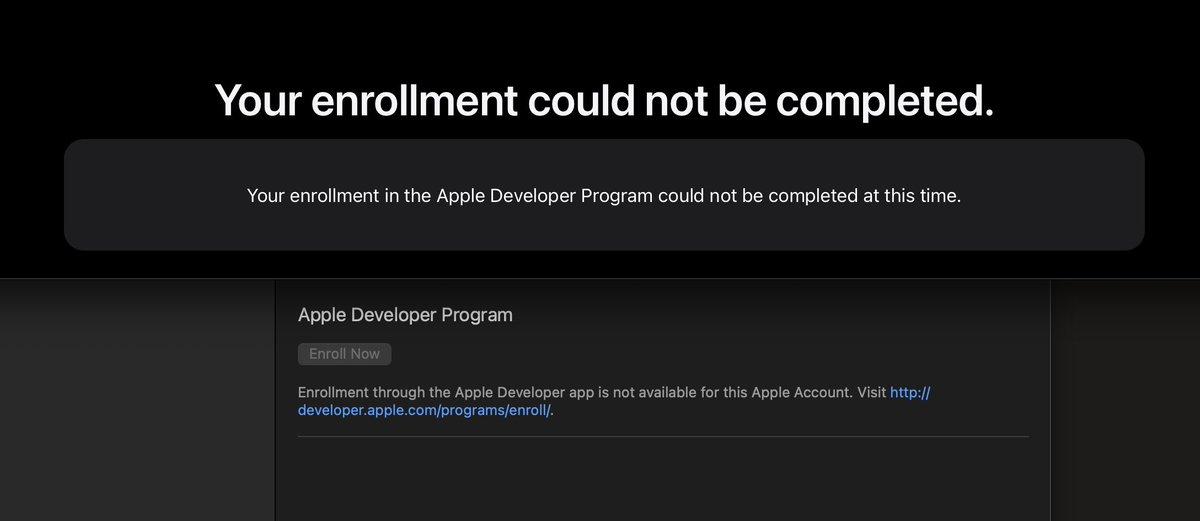
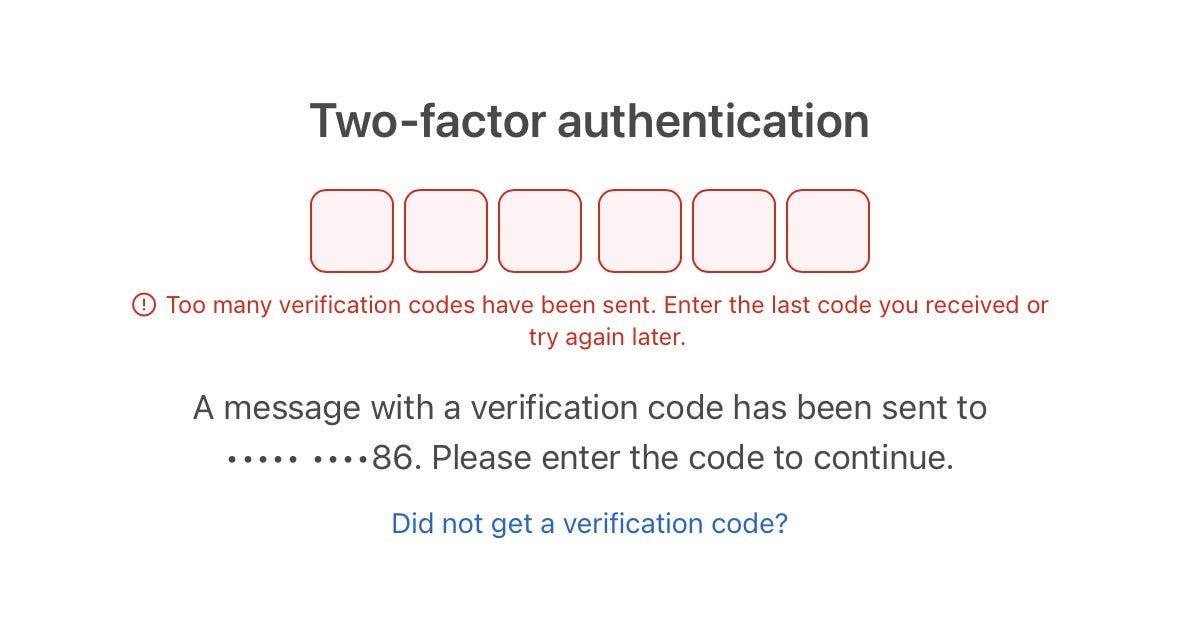
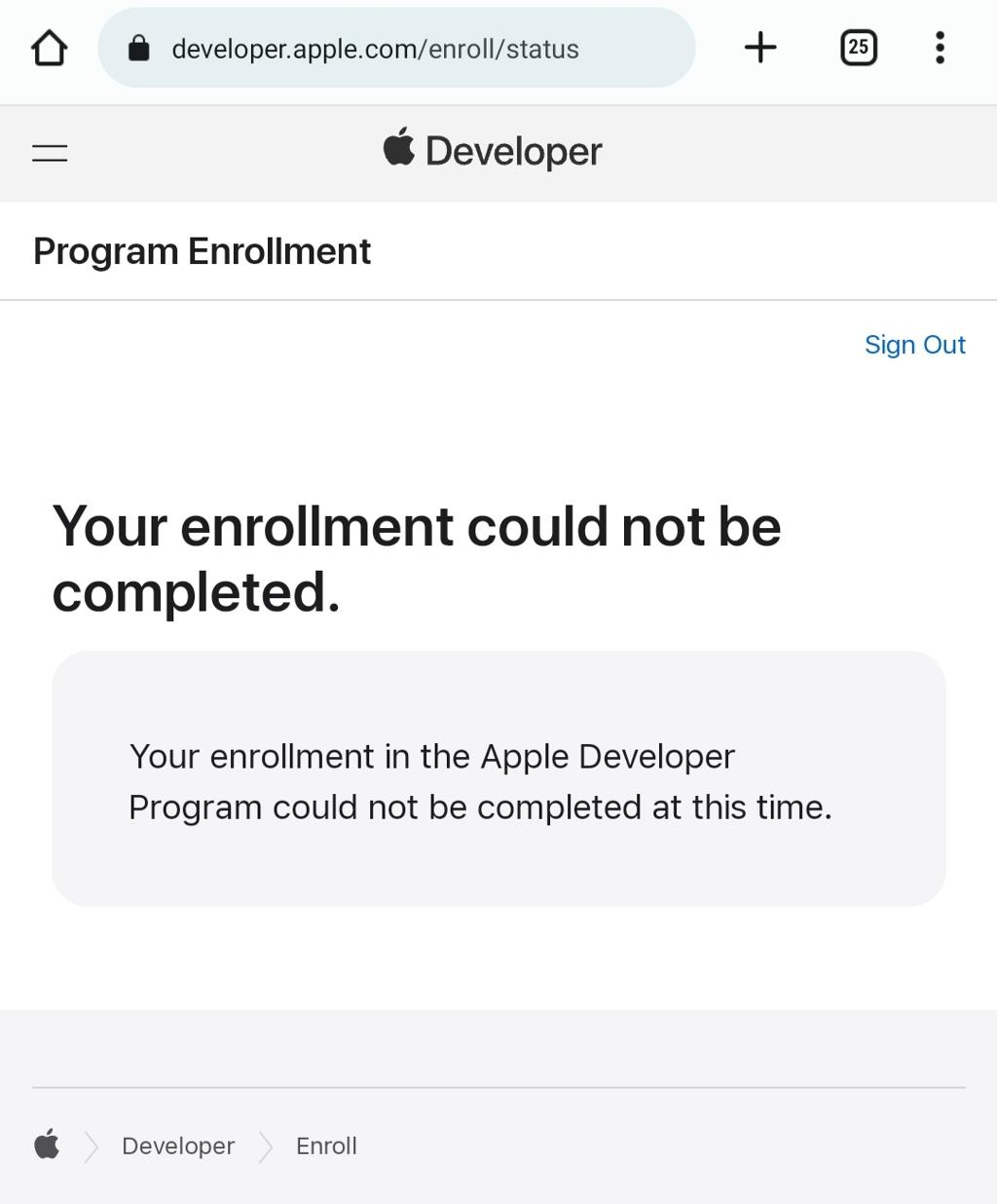
Common Problems
Apple's verification site is too buggy, even entering correct information is an issue.
Learnings
Developer: When verification repeatedly fails:
Contact Apple Developer Support with the Enrollment ID on X and tag Apple support too. We did it here—
4. TestFlight Approval Adds Additional Waiting Time
Many developers assume testing can begin immediately after uploading a build.

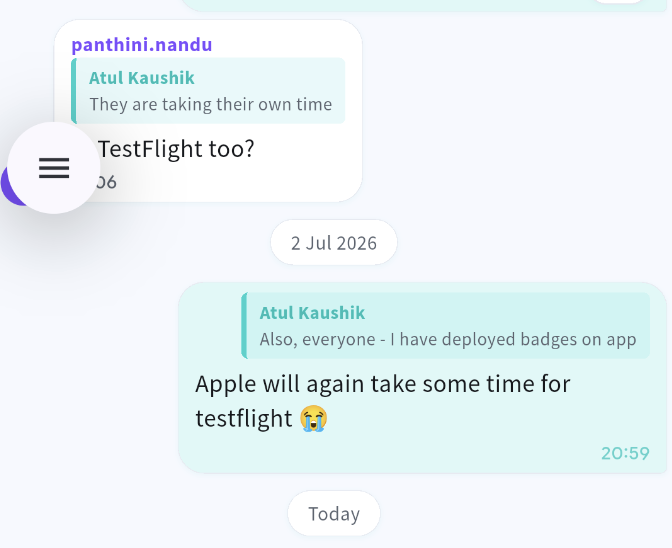
However, external testing through TestFlight often requires Apple's review before testers can access the app.
Impact
- QA schedules were delayed.
- Client UAT (User Acceptance Testing) started later than planned.
- Bug fixes had to wait for new TestFlight approvals.
Learnings
- Apple: Apple should improve their time for TestFlight deployment. Android rolls out complete production as well as closed testing.
- Developers: Include TestFlight review time in your project estimates. While internal testers can access builds immediately, external testers often need Apple's approval first, which can take anywhere from a few hours to several days—2-3 days in our case.
5. Multiple App Review Cycles Delayed Final Release
Perhaps the biggest surprise came after successfully enrolling.
The app submission journey looked like this:
- Enrollment initiated: 22 February
- Final App Store release: 8 June
- Around 6–7 review and revision cycles for a month
Each review introduced new feedback that required changes, resubmission, and another review cycle.
Reasons for Revisions
- UI guideline compliance
- Emergency contact numbers
- Metadata updates
- Permission descriptions
- Functional clarifications
- App Store Review Guideline compliance
Impact
What initially appeared to be a straightforward publishing task stretched into nearly four months.
Learnings
- Apple: Apple needs to speed up their review process. Right now, it seems like it happens manually with each revision taking up to 1-2 days for review. There should be an automated process to review the app and increase the speed of reviewing.
- Developer: App Store submission isn't the final step—it's often an iterative process. Teams should budget additional time for review feedback and resubmissions.
Key Takeaways
Our experience highlighted several realities of Apple's developer ecosystem:
- Start the Apple Developer enrollment early, even before app development begins.
- Use the correct legal Apple ID owner from day one.
- Expect verification delays, especially for organization accounts.
- Plan buffer time for TestFlight approvals.
- Be prepared for multiple App Store review iterations before the final release.
Final Thoughts
Apple's ecosystem is known for its high standards around security, privacy, and app quality. While these standards ultimately benefit users, they also introduce additional steps that developers and businesses must account for.
For teams planning to launch on the App Store, understanding these challenges upfront can save weeks—or even months—of unexpected delays. Proper planning, early enrollment, and realistic timelines are just as important as writing great code.
If you're building an iOS application, don't treat Apple Developer enrollment as a simple administrative task. It's a critical milestone that deserves attention from the very beginning of your project. In the next blog, we'll address one of the main challenges we faced with Android. Since Odyssey is right around the corner, we thought we should drop a tease.
Want to know more? Reach out to us on: